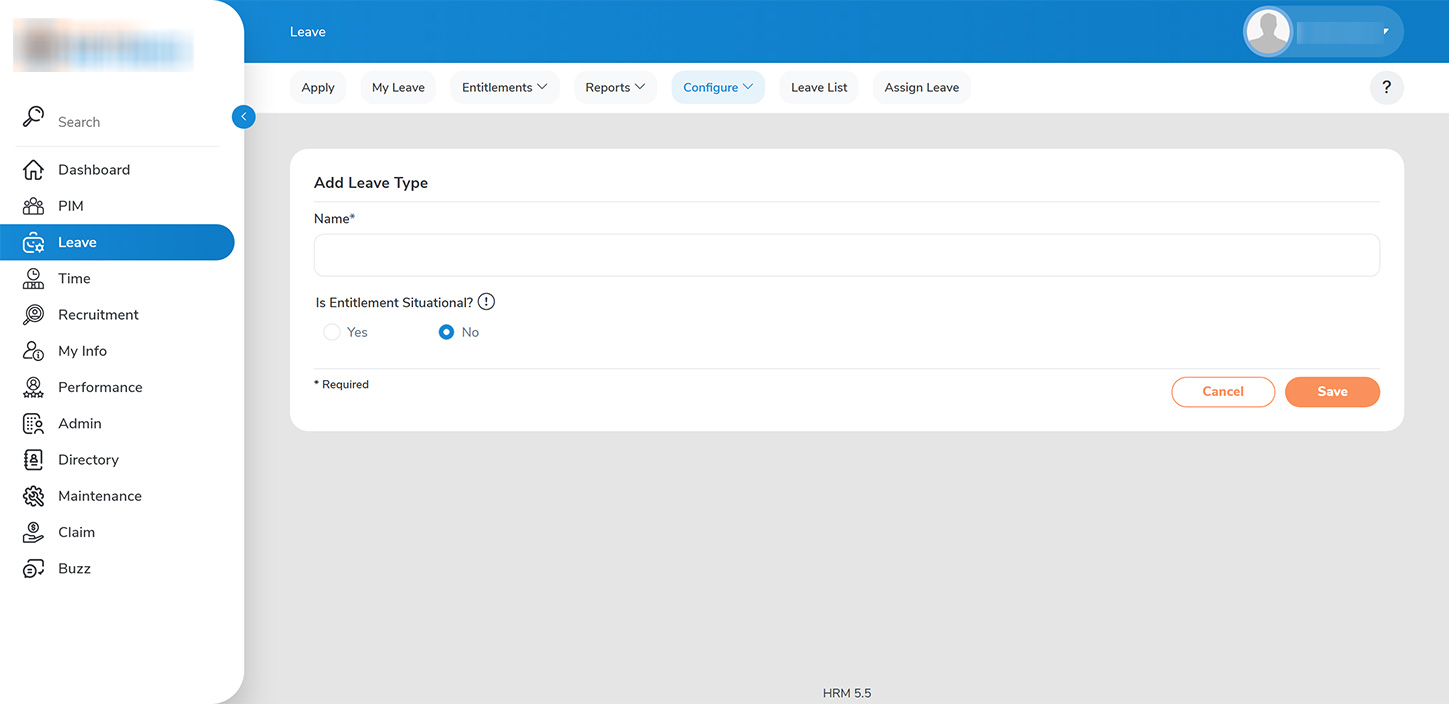
As an administrator, you have the authority to configure all applicable leave types by selecting >>LEAVE > CONFIGURE > LEAVE TYPES>>.
To create a new leave type:
1. Click on the >>ADD>> button.
2. On the >>ADD LEAVE>> page, input the name of the leave type. – Optionally, if you prefer that the leave type does not appear in standard leave usage reports unless it has been utilized by the employee, set the entitlement situation to >>NO>> (e.g., Maternity Leave, Jury Duty Leave).