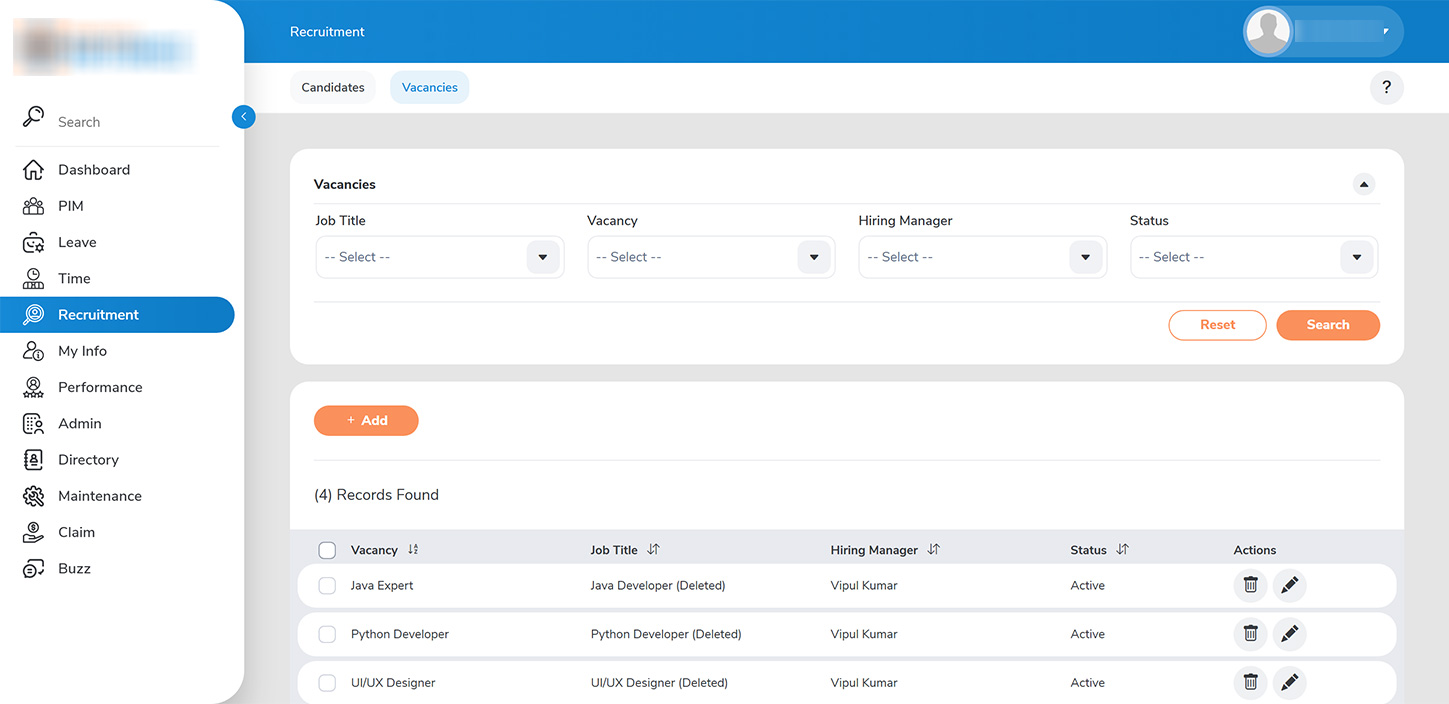
As an Administrator, you can create job vacancies by navigating to the >>RECRUITMENT > VACANCIES>> tab.
To initiate the process of adding a new vacancy, click the >>ADD>> button.
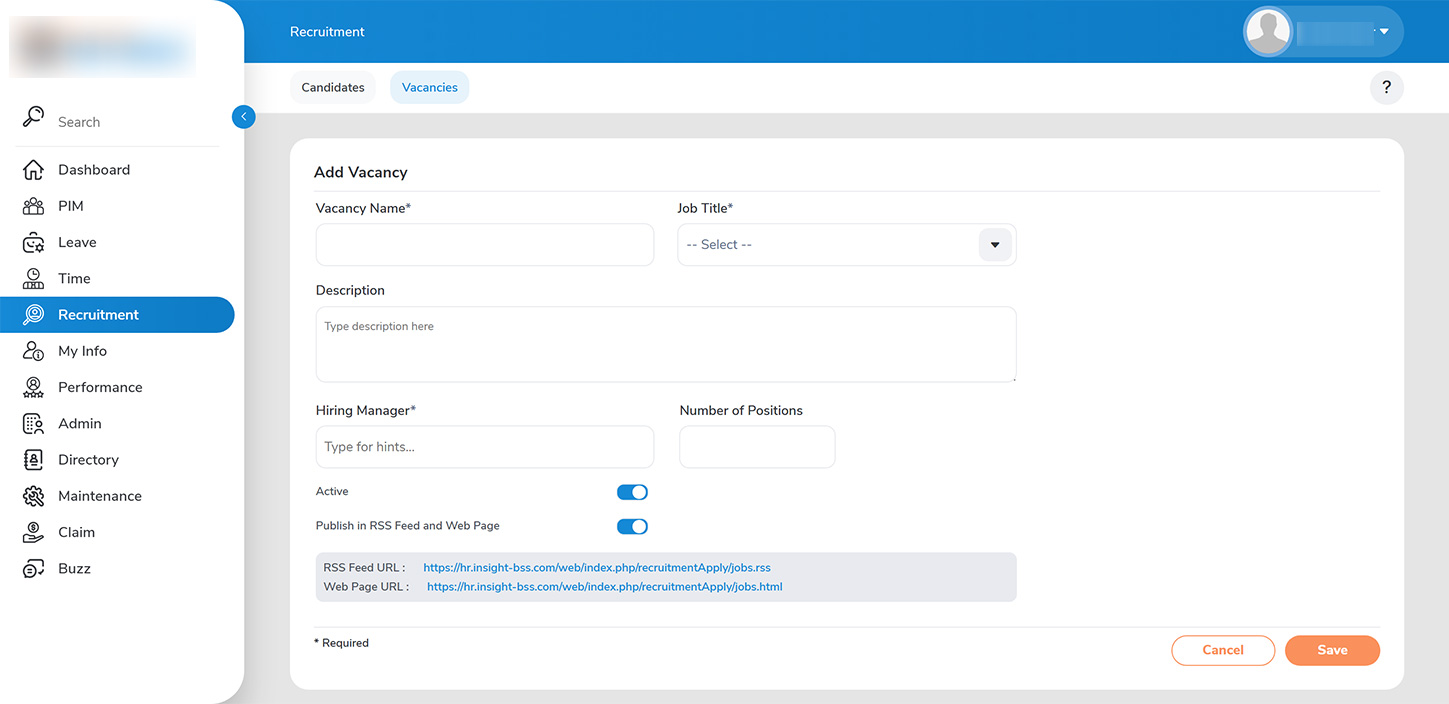
In the >>ADD VACANCY>> page, you will need to complete the required fields:
1. >>Vacancy Name>>: Enter the name of the vacancy along with the corresponding job title as outlined in the organizational structure
2. >>Hiring Manager>>: Assign a Hiring Manager who will be responsible for initiating the hiring process, selecting interviewers, and managing the overall hiring procedure, including the number of open positions.
Administrators also have the capability to choose where the vacancy will be posted. You can configure the company careers page within the URL of your website.
Finally, click >>SAVE>> to officially add the vacancy to the system.