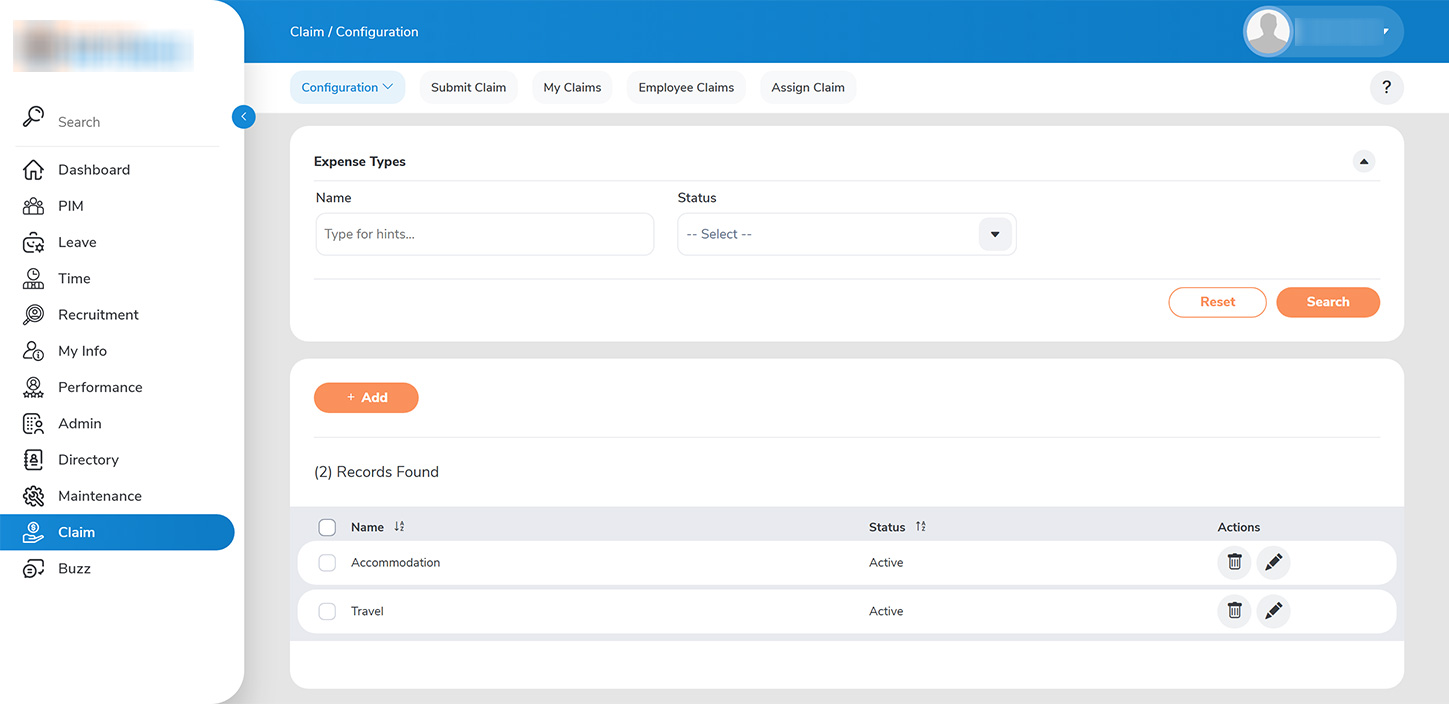
As an administrator, you possess the authority to configure all applicable expense types such as food, travel, and accommodation for which employees may submit expense claim requests. To manage expense types, navigate to >>CLIAM > CONFIGURE > EXPENSE TYPE>>.
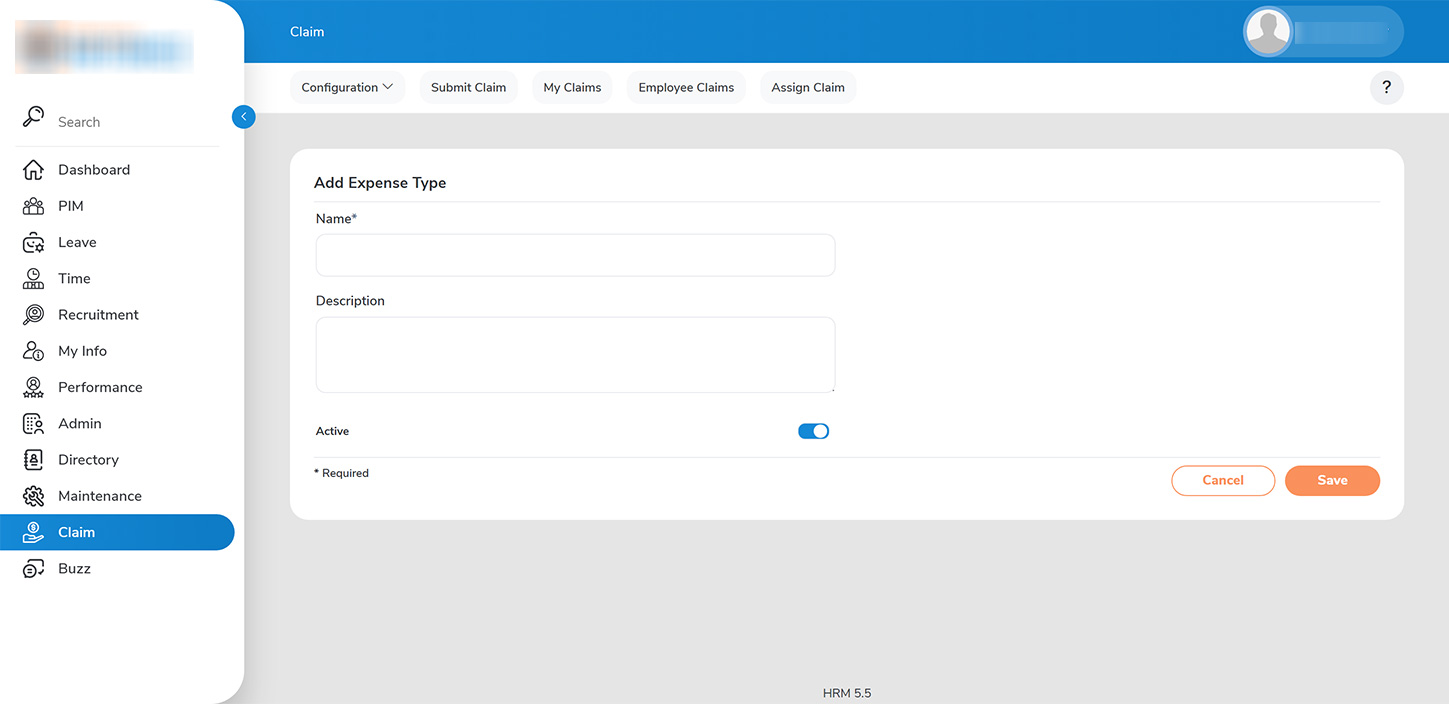
To create a new expense type:>>
1. Click on the >>ADD>> button.
2. In the Add Expense Type dialog, enter the name of the expense type along with any specific constraints (e.g., coverage limited to breakfast and dinner only). Additionally, if you choose to discontinue the coverage of a specific expense type, you have the option to deactivate it.