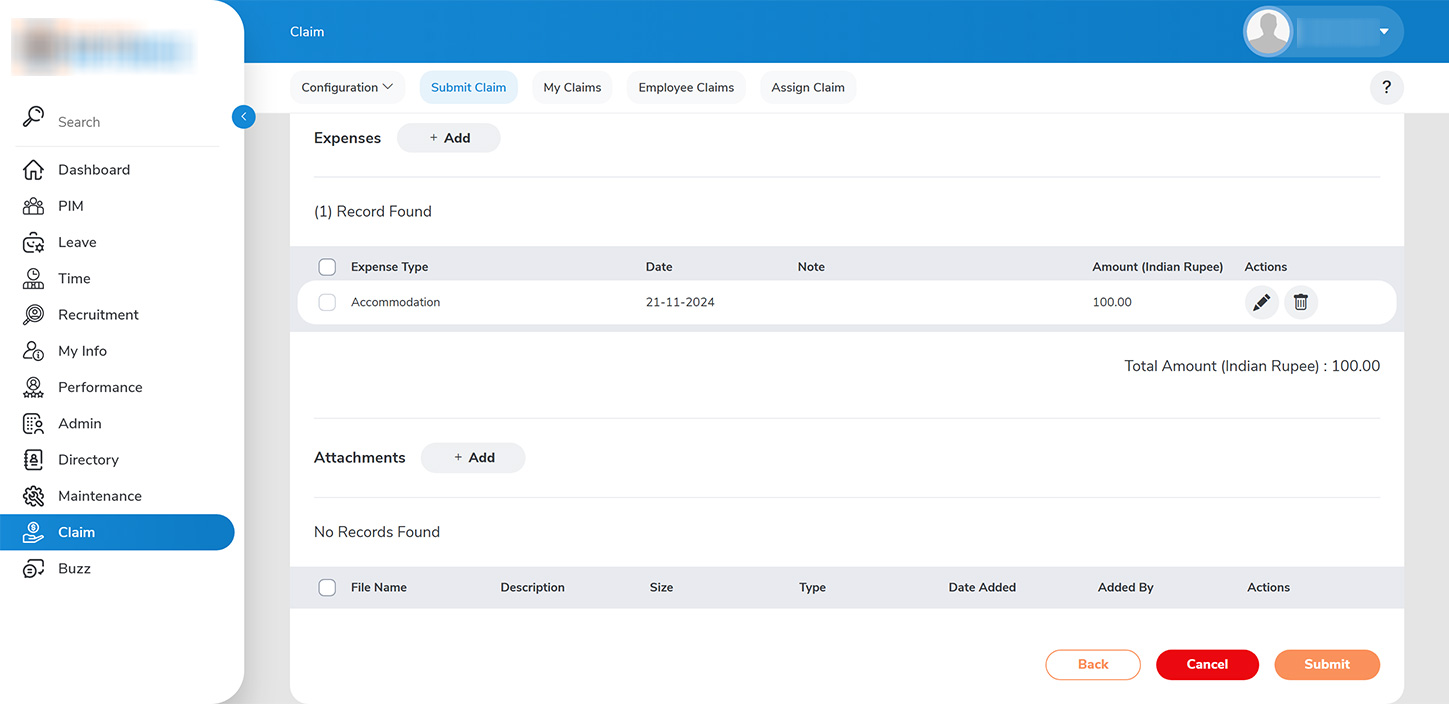
Administrators can review employee expense claims submitted to them under the CLAIM > EMPLOYEE CLAIMS tab. 1. To proceed, select the request by filtering based on events or status, and click on “VIEW DETAILS” to approve or decline the request accordingly.