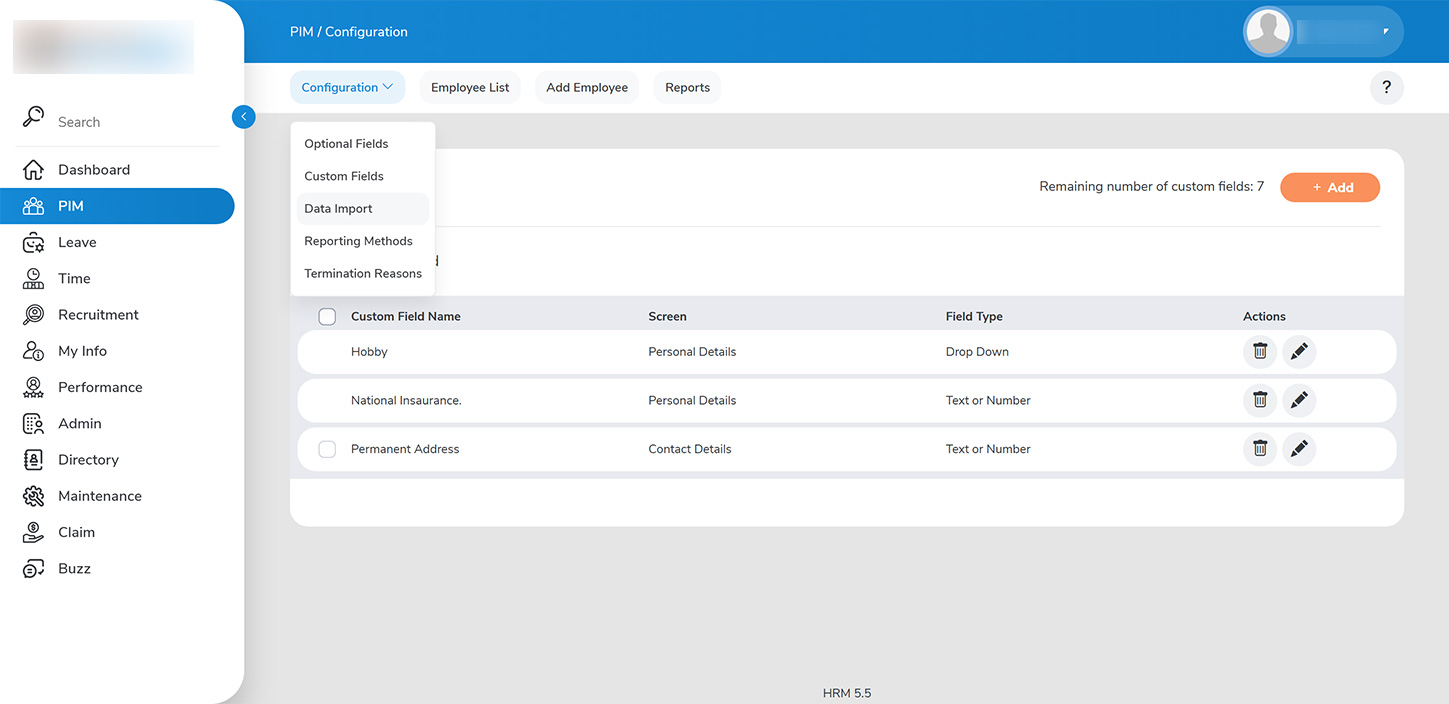
As an administrator, you can enhance the employee information stored in the system by capturing additional details through the PIM module. To do this, navigate to `PIM > CONFIGURATION > CUSTOM FIELDS`, where you can add up to ten custom fields to the base template provided.
To add a new custom field, follow these steps:
1. Click on >>ADD>> to initiate the process.
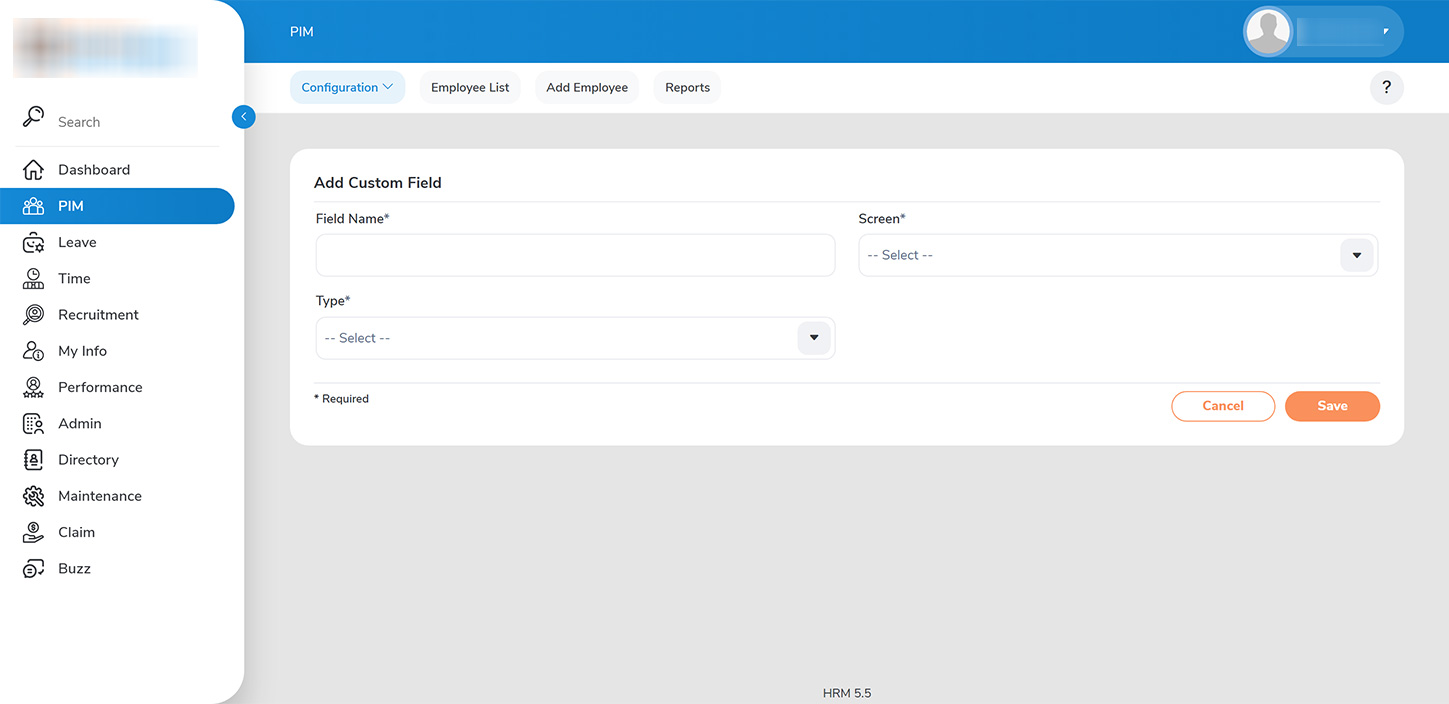
2. Input the field details, including the field name and the type of information (e.g., personal, job-related).
3. Select the appropriate data input type: – >>Dropdown:>> Allows the user to choose from a predefined set of values. – >>Text or Number:>> Enables the user to enter customized input.
4. Save the changes to successfully add the field details.