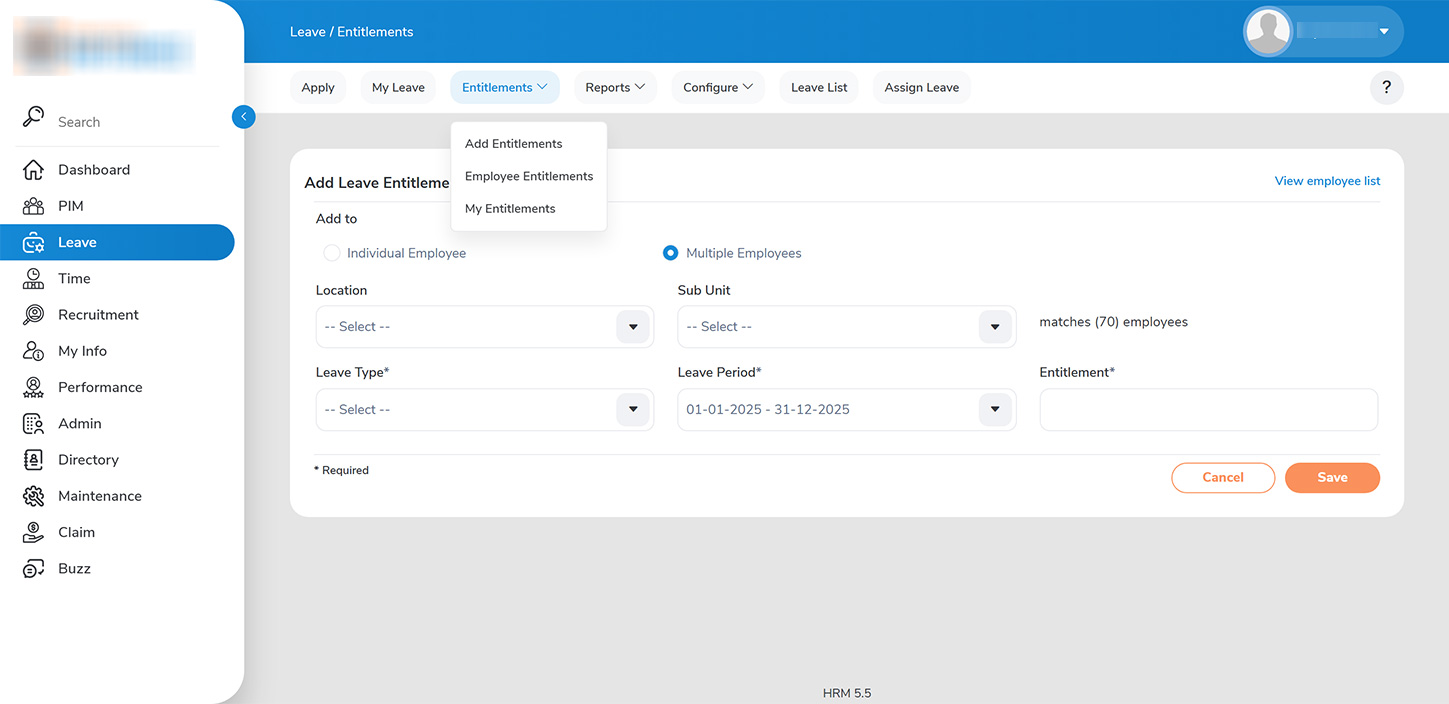
Administrators can manage leave entitlements for individual employees or employee groups. Employees can be categorized by location (e.g., India office, UK office) or by subcategory (e.g., sales team, customer support team).
1. Select the type of leave and specify the corresponding leave period for which the entitlement is valid. 2. Enter the number of days of entitlement.
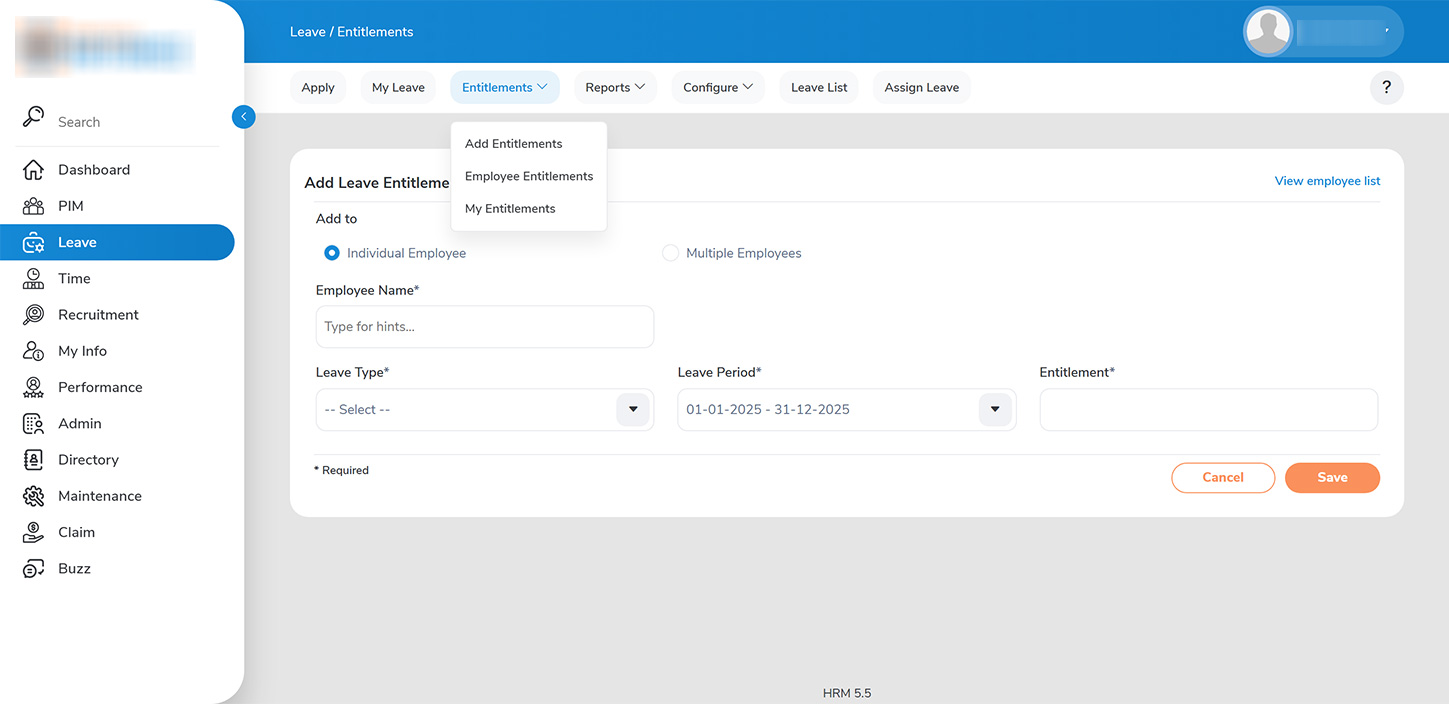
3. For individual employee entitlements, select the employee, choose the type of leave, and the applicable leave period, then enter the specific number of entitlement days for that employee.