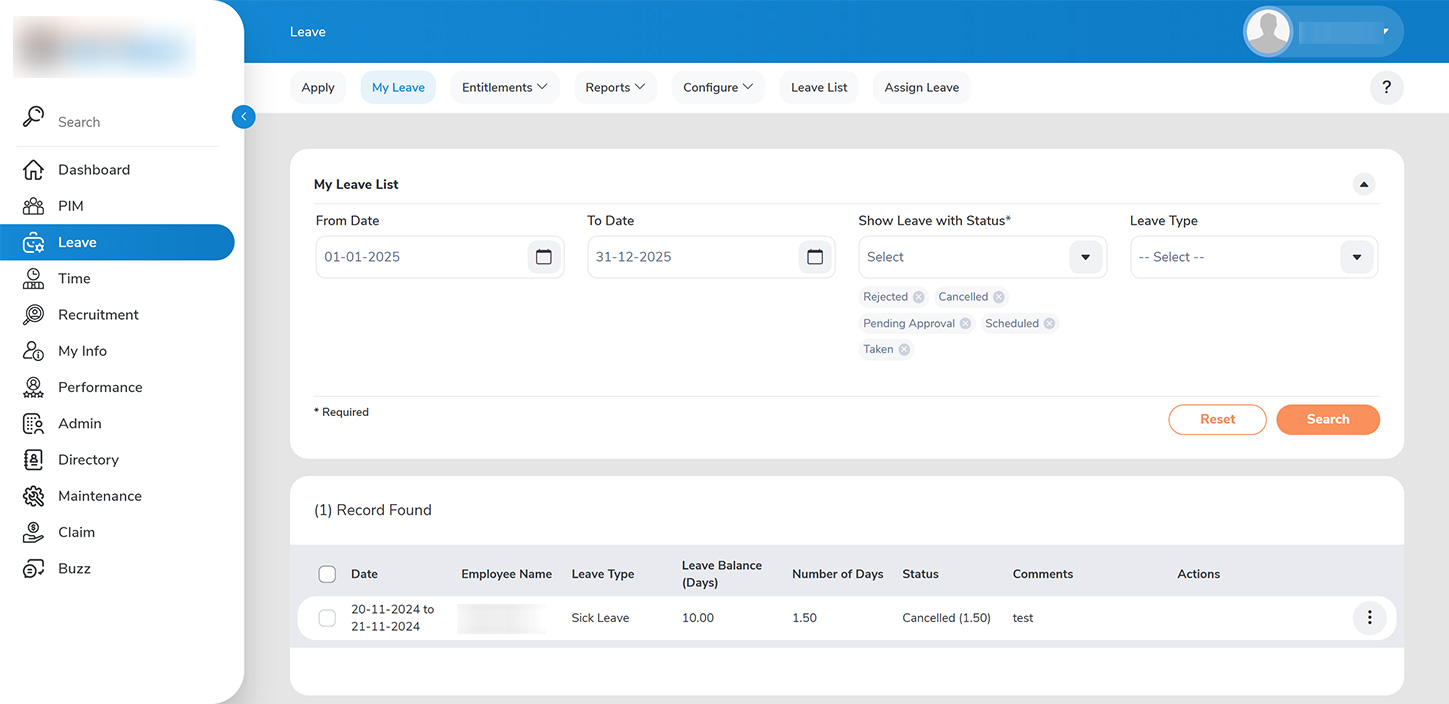
Employees can apply for leave by following these three straightforward steps:
1. From the homepage, navigate to >>LEAVE > APPLY>>.
2. On the APPLY LEAVEpage, complete the required fields for your leave request: – Select the type of leave you wish to apply for. – Enter the start and end dates, ensuring that the total number of days does not exceed your available leave balance. – If applicable, choose partial leave by indicating which half of the day you will be absent or by specifying the total number of hours of leave. – Provide a detailed explanation for your leave request.
3. Submit your leave request for review. All submissions will be directed to your reporting manager for approval.
4. Once your leave request has been submitted, you can track its status by navigating to the >>LEAVE > MY LEAVE>> tab.