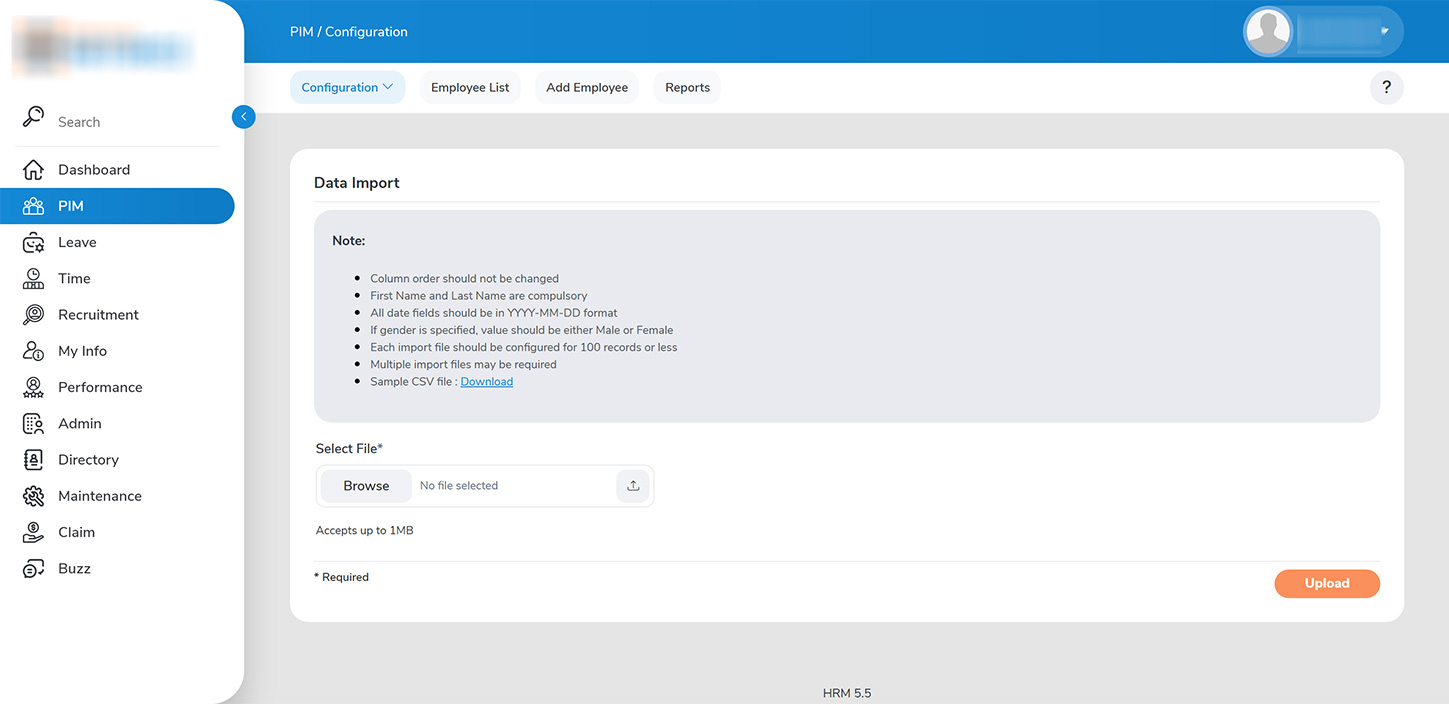
Administrators can import employee data in groups of 100 or less using the employee profile template provided by the platform under PIM>CONFIGURATION>DATA IMPORT
1. Download the sample CSV file.
1. Enter all employee details. Please note that the column order should be modified. The following fields are mandatory: 2. First Name and Last Name are compulsory 3. All date fields should be in YYYY-MM-DD format 4. If gender is specified, value should be either Male or Female
2. Upload the required file and click on ‘UPLOAD’ to add new employee profiles in bulk.