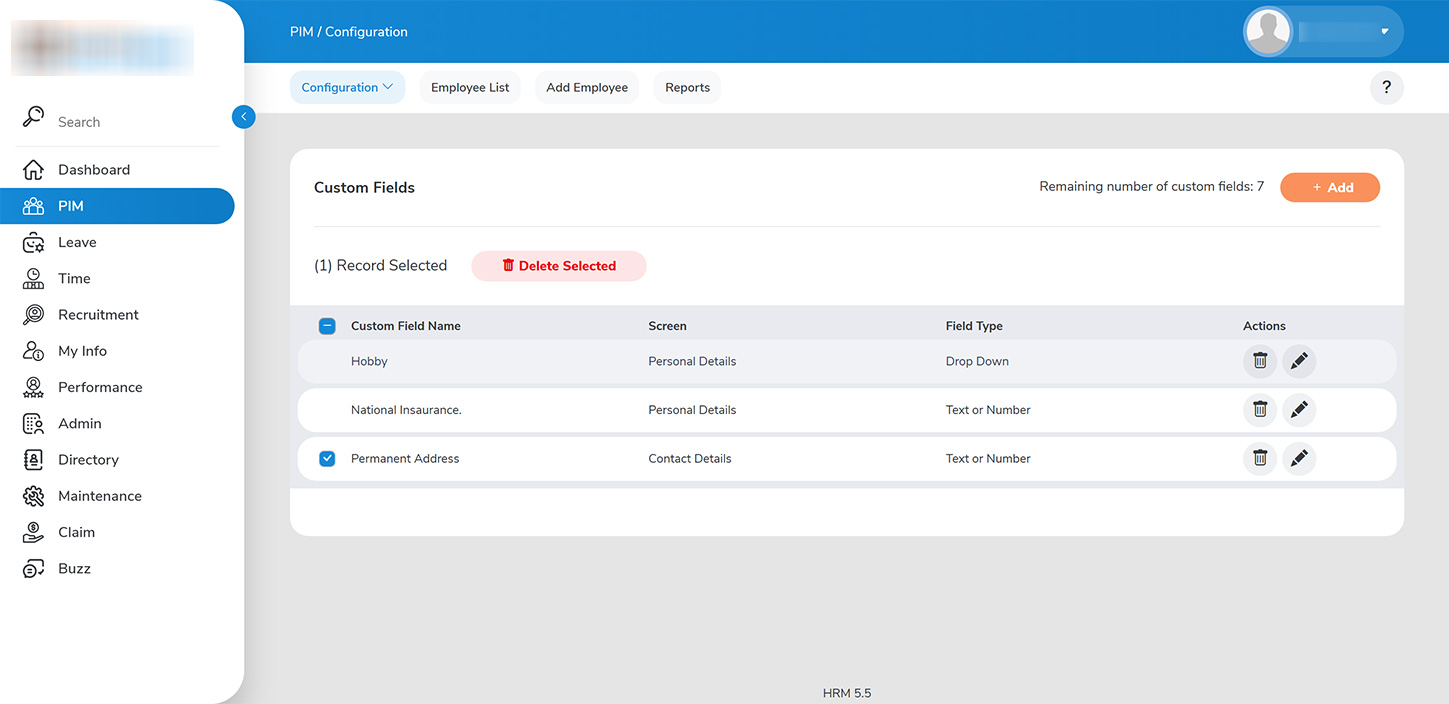
Administrators can remove custom fields by navigating to `PIM > CONFIGURATION > CUSTOM FIELDS`. Here, you will find a comprehensive list of all custom fields that have been added, along with the count of available fields remaining. To delete fields: – Click the delete button adjacent to each field entry, or select multiple fields for bulk deletion. – Please note that deletion is permissible only for fields that do not contain any data entries.