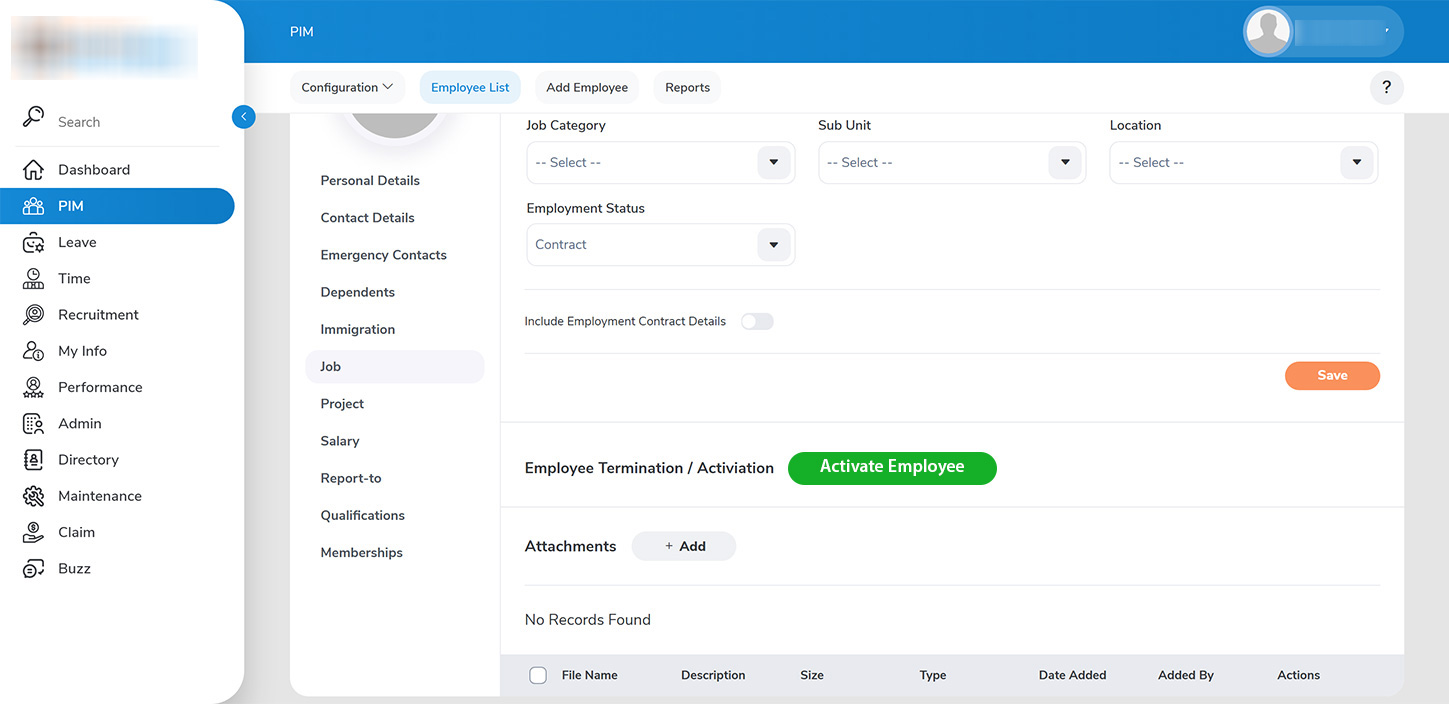
Past employees can be easily reintroduced to the employee list with a single click by filtering for Past Employees under the `PIM > Employee List` section.
To reactivate an employee’s contract:
1. Open the record of the employee you wish to reactivate and go to the job details section. 2. Click on >>Reactivate Employment>>.